
JOHN · CHAPTER 1
In the beginning was the Word, and the Word was with God, and the Word was God.
John 1:1WEB
The prayer lock for iPhone
PrayLock is a prayer lock app for iPhone. Choose the apps you want to pause, then pray to unlock them, once a day or before each session. It uses Apple's Screen Time to keep them locked. And when you do want to scroll, read the Bible one verse at a time.
See it work
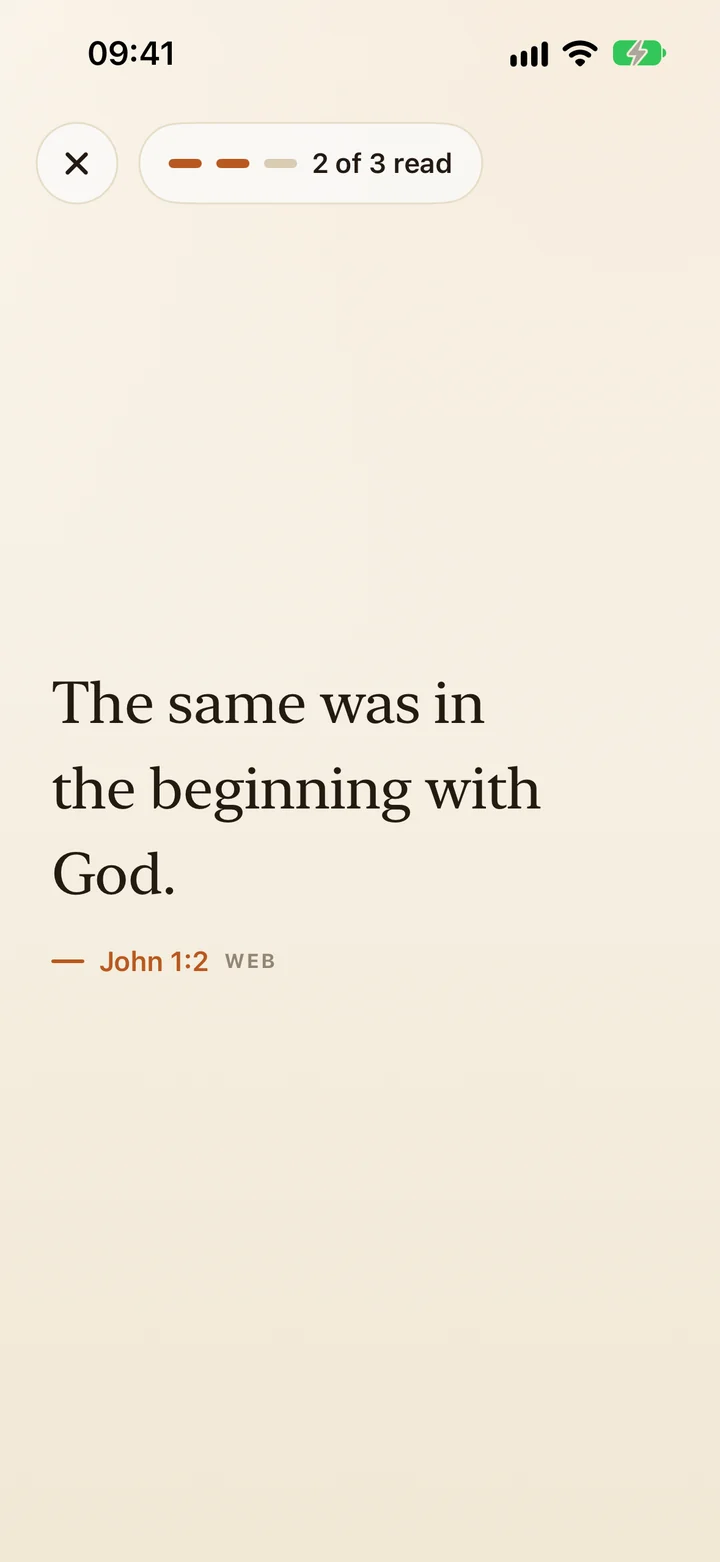
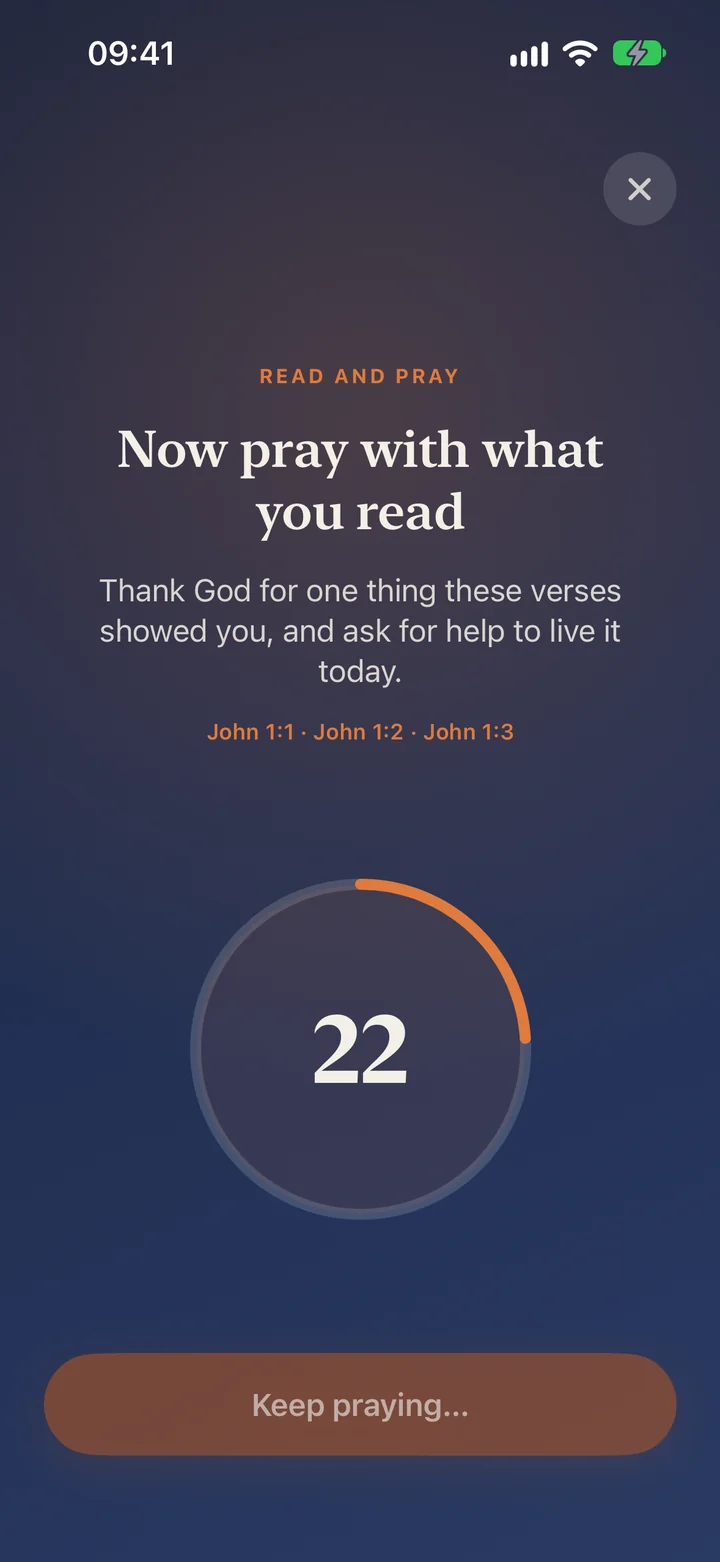
With Read and pray, you read three verses, then pray on a short timer. When it ends, the apps you locked open. Not sure how to set it up? Answer four questions and get a routine with the exact settings to enter.
From the App Store
It’s made me better in my faith
“Praying before I open them has helped me make better decisions. Thank you to whoever God used to come up with this idea.”
Rated 4.8 out of 5 from 395 ratings on the US App Store.
The Bible feed
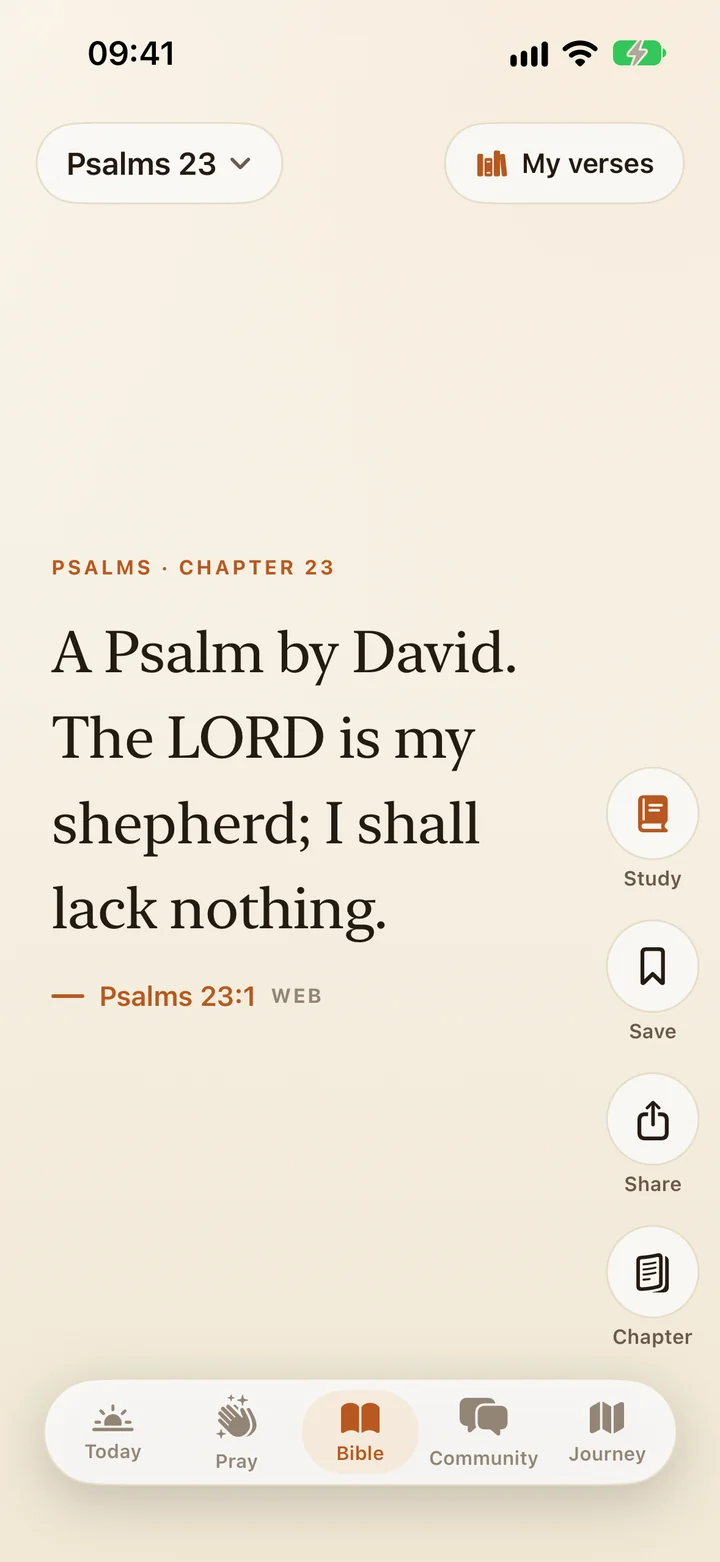
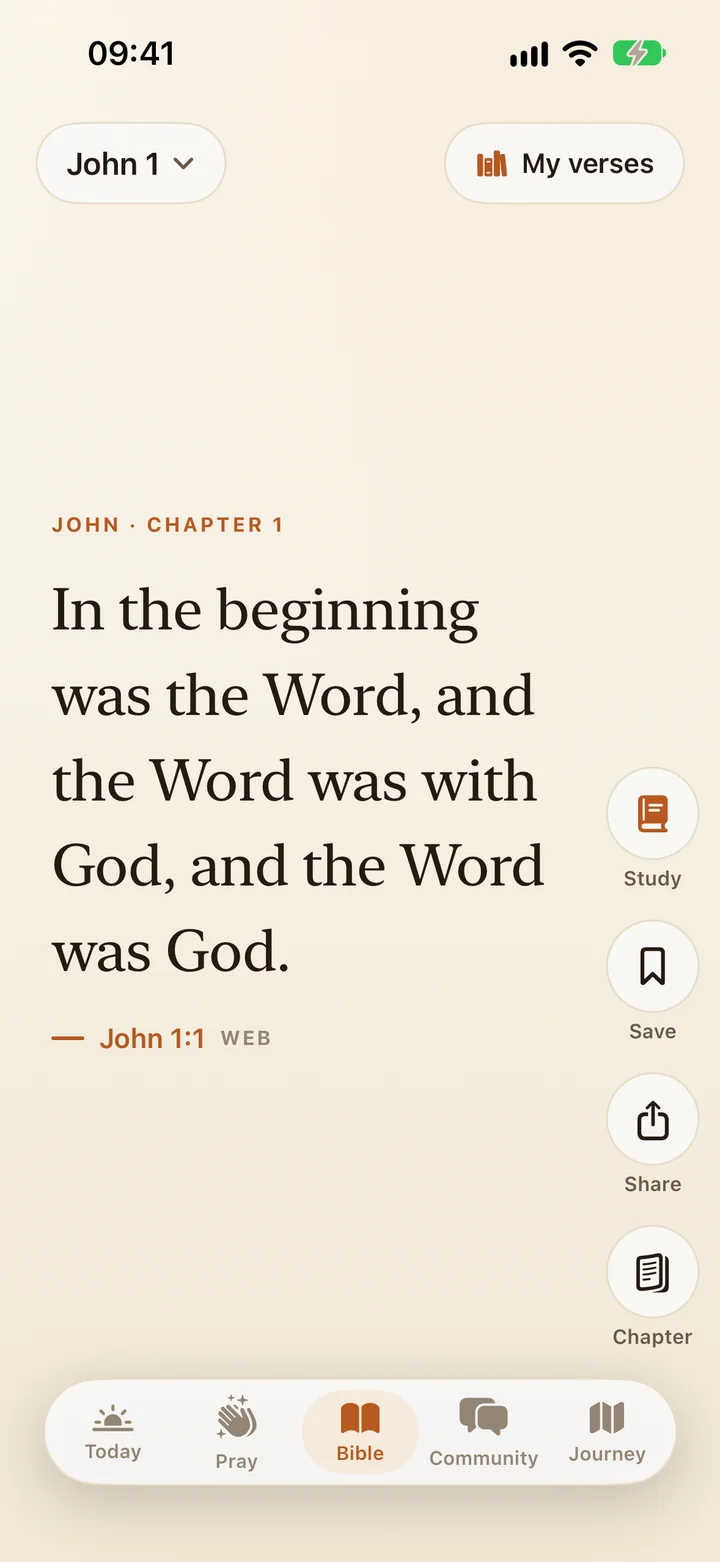
Your thumb already knows the motion. PrayLock's Bible feed gives it somewhere better to go than social media: the whole Bible, one verse per screen, from Genesis to Revelation in the World English Bible.
JOHN · CHAPTER 1
In the beginning was the Word, and the Word was with God, and the Word was God.
John 1:1WEB
JOHN · CHAPTER 1
The same was in the beginning with God.
John 1:2WEB
JOHN · CHAPTER 1
All things were made through him. Without him, nothing was made that has been made.
John 1:3WEB
JOHN · CHAPTER 1
In him was life, and the life was the light of men.
John 1:4WEB
JOHN · CHAPTER 1
The light shines in the darkness, and the darkness hasn’t overcome it.
John 1:5WEB
JOHN · CHAPTER 1
There came a man sent from God, whose name was John.
John 1:6WEB
JOHN · CHAPTER 1
The same came as a witness, that he might testify about the light, that all might believe through him.
John 1:7WEB
JOHN · CHAPTER 1
He was not the light, but was sent that he might testify about the light.
John 1:8WEB
JOHN · CHAPTER 1
The true light that enlightens everyone was coming into the world.
John 1:9WEB
JOHN · CHAPTER 1
He was in the world, and the world was made through him, and the world didn’t recognize him.
John 1:10WEB
JOHN · CHAPTER 1
He came to his own, and those who were his own didn’t receive him.
John 1:11WEB
JOHN · CHAPTER 1
But as many as received him, to them he gave the right to become God’s children, to those who believe in his name:
John 1:12WEB
JOHN · CHAPTER 1
who were born, not of blood, nor of the will of the flesh, nor of the will of man, but of God.
John 1:13WEB
JOHN · CHAPTER 1
The Word became flesh and lived among us. We saw his glory, such glory as of the only born Son of the Father, full of grace and truth.
John 1:14WEB
KEEP GOING IN THE APP
That was 14. The whole Bible in PrayLock has 31,098.
Get PrayLockA web preview of the feed in PrayLock. Verses from the World English Bible, the translation the app uses.
How it works
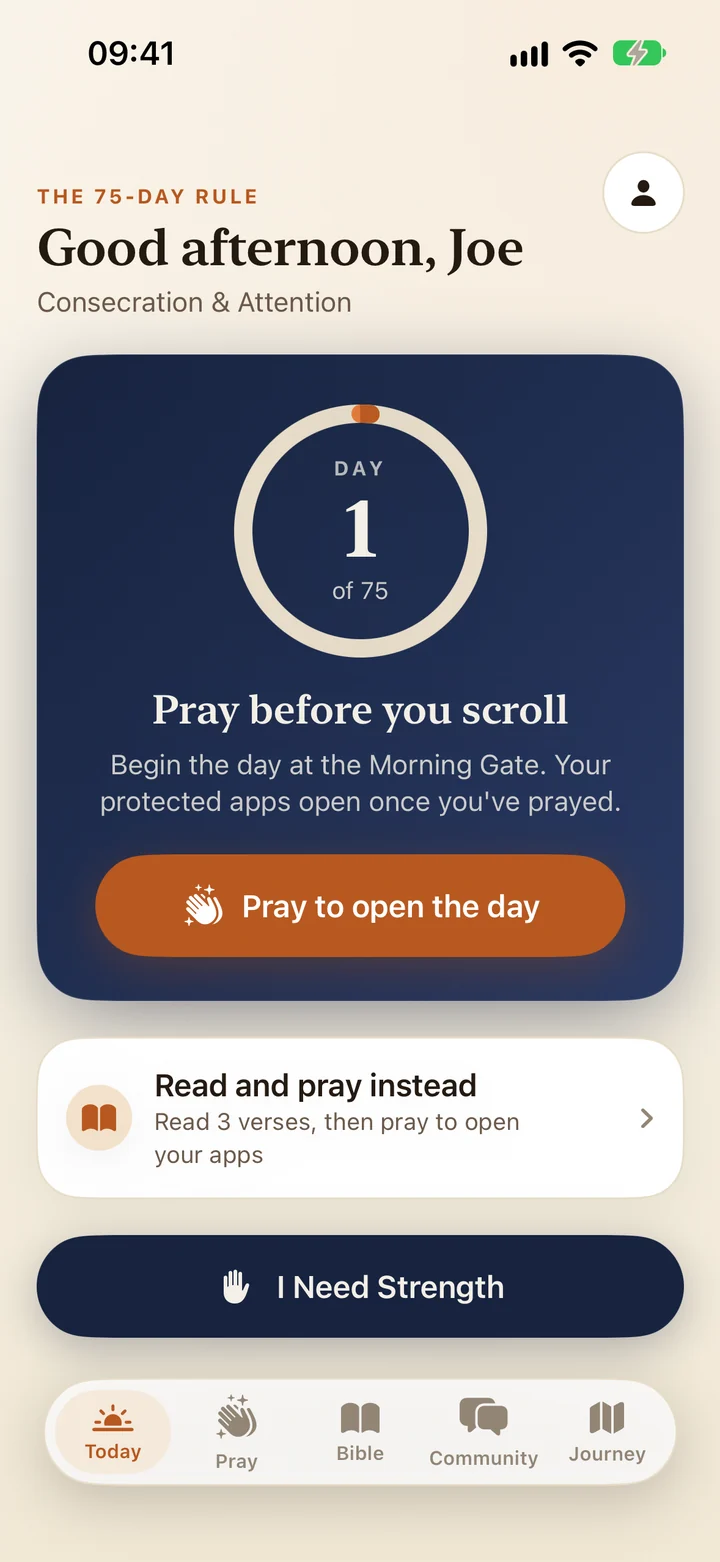
Choose the apps and categories that pull at you. PrayLock puts a prayer shield in front of them with Apple’s Screen Time, so opening one brings you to PrayLock first.
Pray straight away, or choose Read and pray: swipe through three verses of Scripture, one at a time, and pray with what you read.
A short timed prayer, 30 seconds by default, and your apps unlock. In Daily Devotion they stay open until your daily reset; in Mindful Moments, for the session length you set.
Before you begin
PrayLock opens with this question. Move the sliders to see your own number, then give the first minutes back to God.
An estimate, not a diagnosis: years ahead to age 80 (never fewer than 10) and 16 waking hours a day. It is the same arithmetic the app uses.
8.3 years
of your next 50 years spent on your phone. That's 25% of your waking life.
What if the first minutes of each day were God's? Five minutes each morning is 63 days with Him.
Inside the app
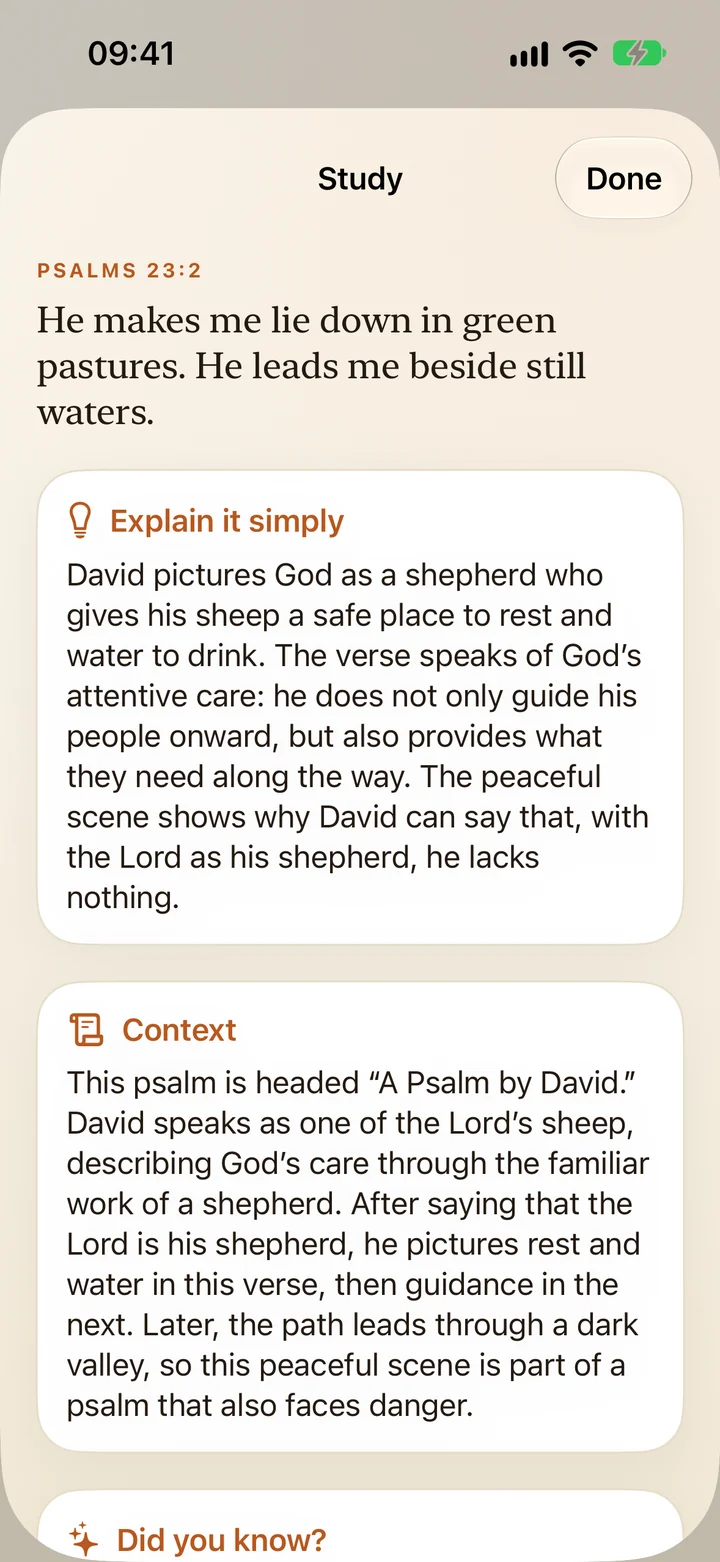
Tap Study on a verse for a plain explanation, context and cross references on key passages. Save the ones that stay with you to My verses.
New in PrayLock
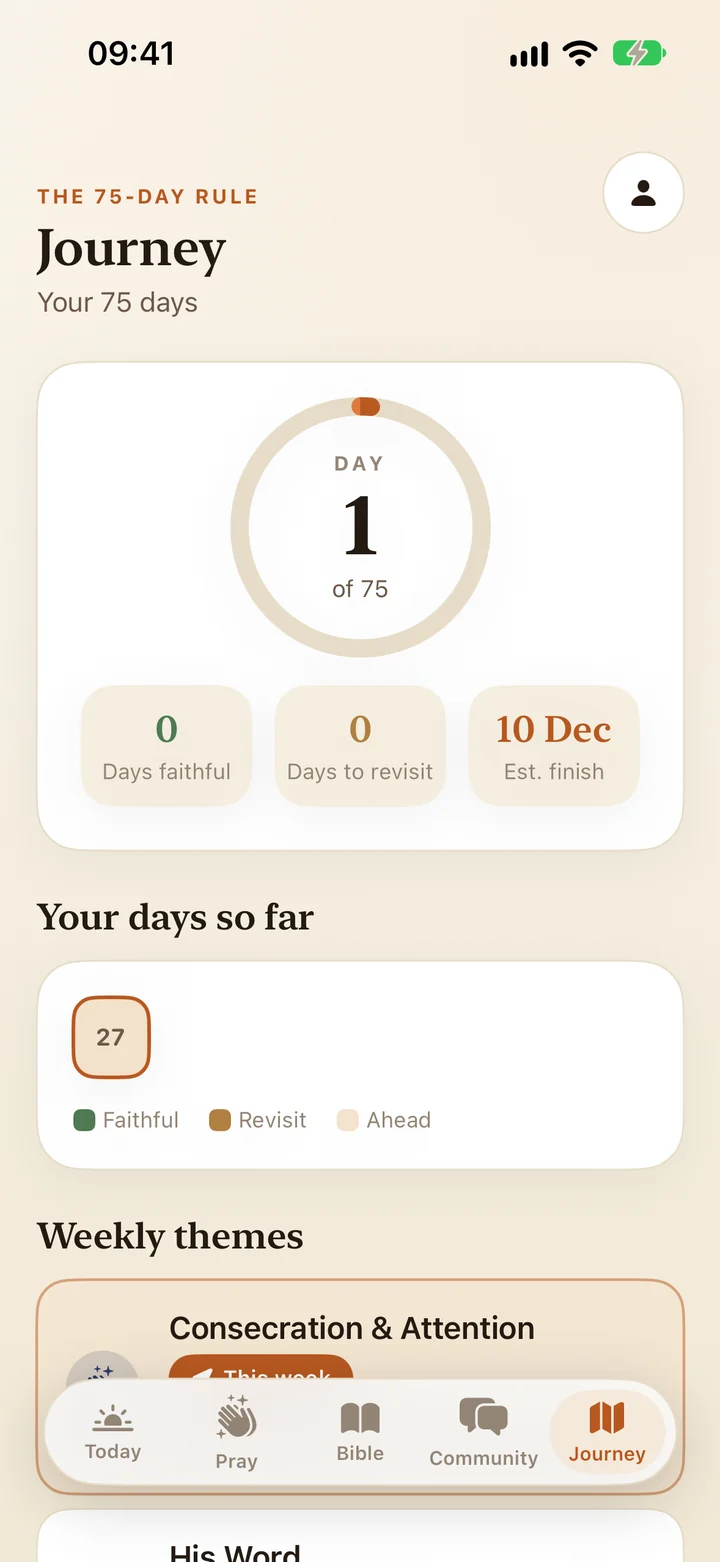
A 75-day season of prayer, Scripture and the disciplines you choose, with an evening reflection and your journey so far.
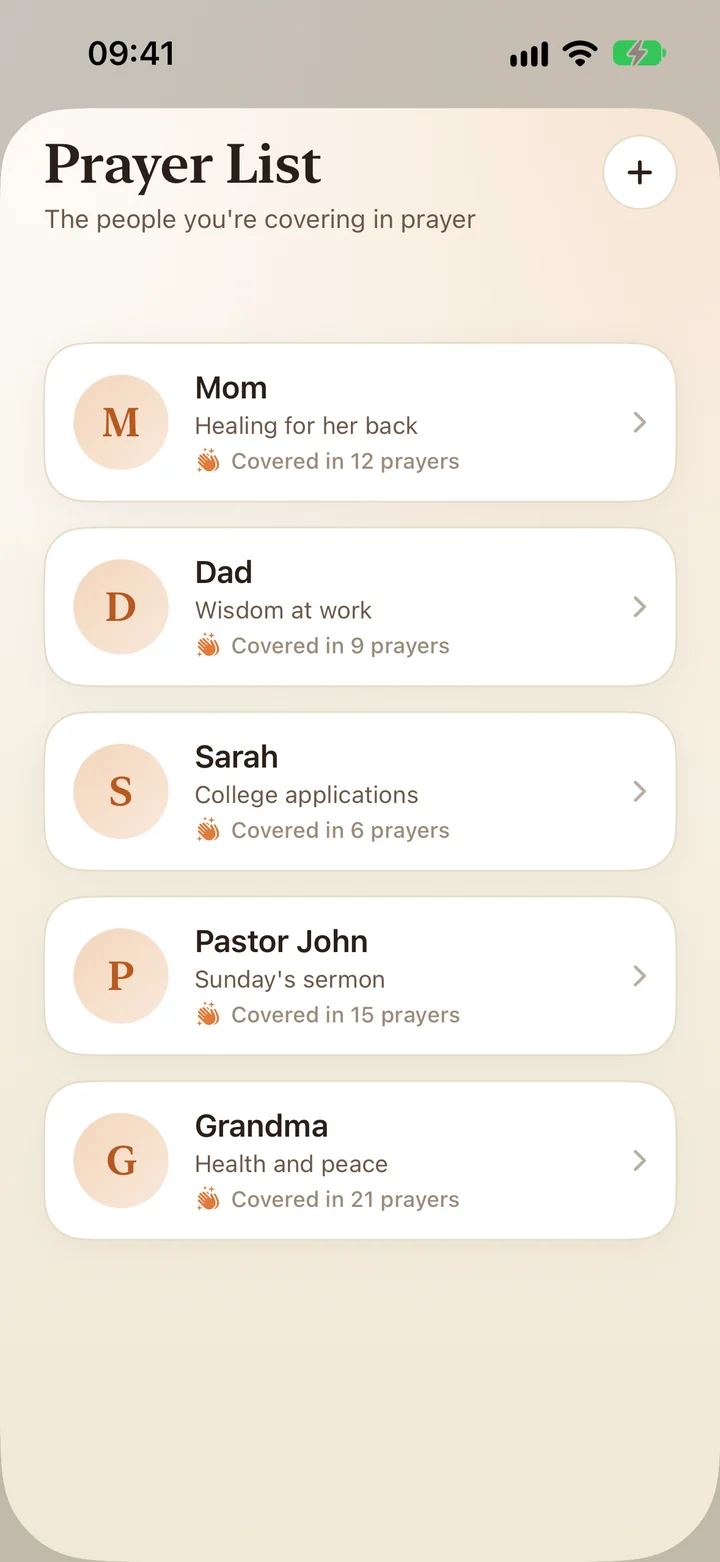
Keep the people you are praying for in one place, with a note for each, and see how often you have covered them in prayer.
Free to download, with in-app purchases. PrayLock requires a Pro subscription; prices are in the FAQ.
Two ways to pray before you scroll
Choose the mode that fits your day. You can switch between them in Settings at any time.
Once a day
Pray once a day to unlock your chosen apps. They stay unlocked until your daily reset time, then lock again until you pray the next day.
Before each session
Take a prayer break before each app session. Your apps unlock for the session length you set (10 minutes by default, anywhere from 5 to 60) and then lock again.
Questions
Read the PrayLock FAQ Can't find Prayer Lock? Meet an iPhone alternative.
Put a moment with God in front of the apps that take your time.
Download on theApp Store
On a computer? Scan with your iPhone camera to open PrayLock on the App Store.